Editable 3D examples
The crate, table and shelf are real Blender procedural outputs, with mesh validation, GLB and .blend source files. They are not image-to-3D or AI-image-generation examples.
Open the models and source filesAsset Studio by Treeset
An open-source desktop app and Codex skill for independent game developers and small creative teams. Plan individual assets, use connected AI tools, refine images and 3D models, and keep the files in your own project.
Windows x64 and Apple Silicon macOS
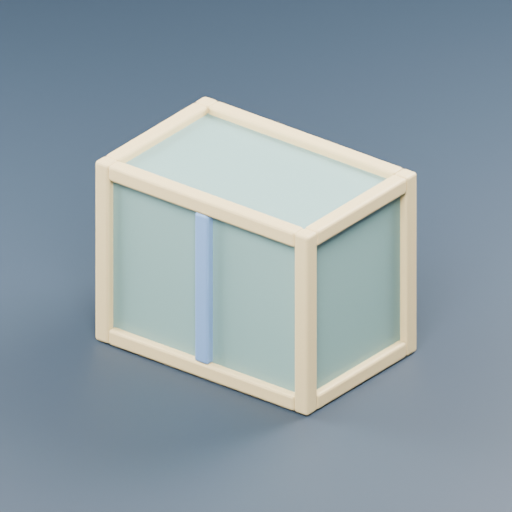
I develop and maintain Treeset and Asset Studio. My current public work connects asset planning, local processing, version review and export in a game-development workflow.
You can inspect the source, downloadable releases and example artifacts. Each verification record identifies the platform and what was actually checked.
Treeset is an independent creative-tools project. Asset Studio is its first product, with public source code, downloadable early releases, and reproducible output examples.
The project began in October 2026. Treeset is currently pre-incorporation and has not registered a business or received external investment. The project start date is not a legal incorporation date.
The public maintainer profile and domain email below identify who develops the project and where to get in touch.
Keep creative decisions and asset versions together, instead of moving between disconnected generators and folders.
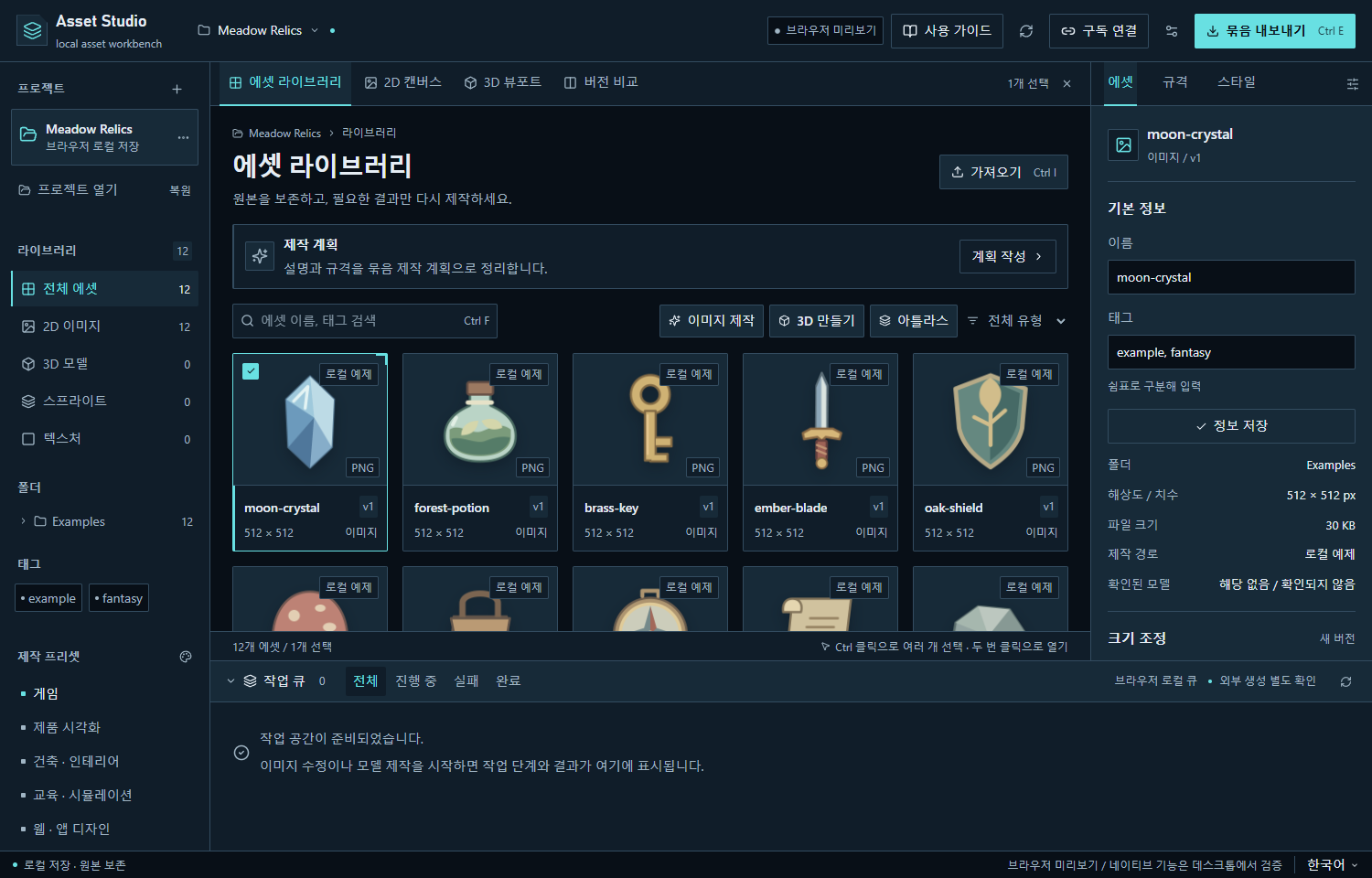
Connect a game folder, describe the art direction and review a production list with separate names, prompts and output requirements.
Use the official Codex subscription route for image requests, or work locally with image editing, TripoSR image-to-3D and Blender tools. Account access and runtime requirements apply.
Review previews and versions, then export PNG, sprite atlases, GLB, textures and editable Blender files. Originals remain intact; each result becomes a new version.
The examples link to actual files and verification records. Screenshots and platform tests have separate scopes.
The crate, table and shelf are real Blender procedural outputs, with mesh validation, GLB and .blend source files. They are not image-to-3D or AI-image-generation examples.
Open the models and source filesNative CLI output, file hashes, original preservation, reopening and export are recorded. Image-to-3D uses a locally prepared CPU runtime and Blender.
The app, DMG and independent CLI are published. PNG CLI processing and package integrity were checked; GUI, fresh 3D generation and installer replacement were not checked for this release.
Read the implementation, installation guides and issue history. Current features, source experiments and platform limits are documented separately.
A maintainer-run production case using the Windows native CLI and existing local Blender recipes. Claude did not select or generate these models.
A real developer-run local example. These procedural Blender outputs do not use Claude or AI image generation.
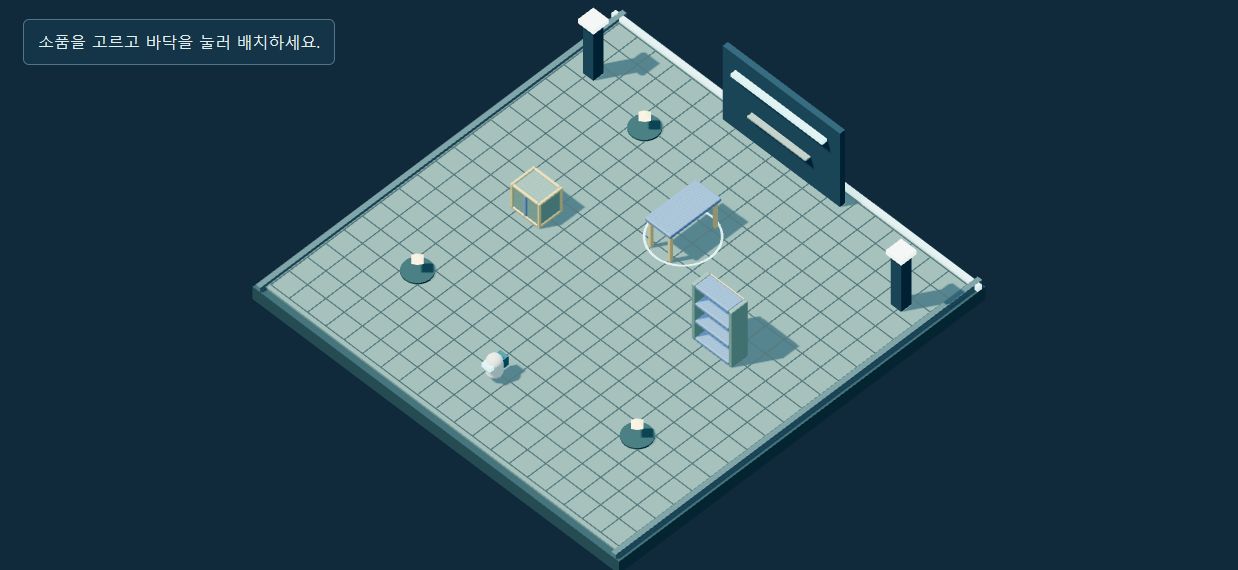
A small isometric woodland workshop needs three separate game props: a storage crate, workbench and display shelf.
Muted teal wood and sand trim, clean silhouettes, soft studio lighting and metre scale. The creator selects existing recipes and parameters locally.
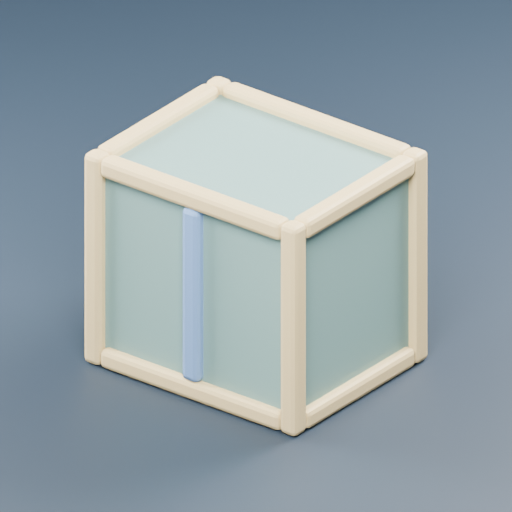
0.8 × 0.65 × 0.7 m · 1,620 triangles · crate recipe
model.glbfd5ee84a7617c54c254528230c48f1c0e69e0c17743fe540e939623bef717a06
source.blend3d84990dcfd3f2b6aa7a5cefa6e615d05c1122125fd1c18394015e15a90aba10
thumbnail.pngc87d88cf5f9f57e3fc0b266b8298bc8c11204a481d53c0b54b2997cace868c0d
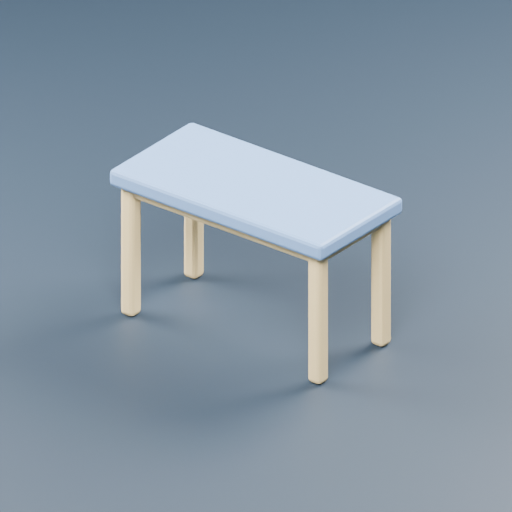
1.4 × 0.7 × 0.85 m · 972 triangles · table recipe
model.glbd065dc4b27691fb27fcc4c4484e32beae95e3e77d52fab4f310789caddeba9da
source.blende415ce9ae9d3e604ba1072b0cd36b26bff1c42a33c255e708b12c793de69e6e4
thumbnail.pngd848d455b17410a50265ea89fdfe606961222484242d660205d95a59d0845925
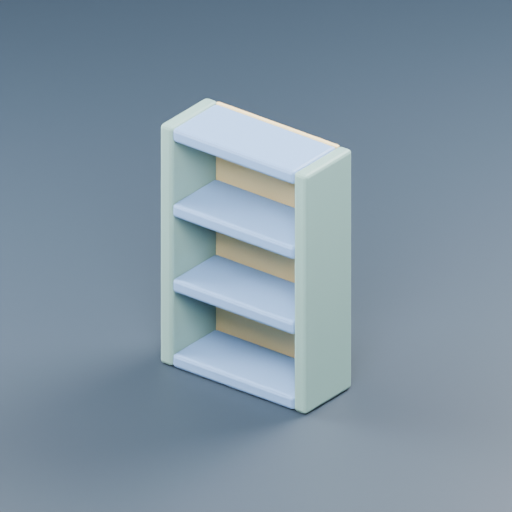
1.1 × 0.45 × 1.6 m · 756 triangles · shelf recipe
model.glb14eb7351a009262b36c423510c026cb76a459523f6ea50cbd62722d0f4b8f2ff
source.blend39c01c525a5efb7d7024fd609b7a25e17211eab56a7fb515a4e742b21b7019a3
thumbnail.png3bc064be0268654fc02da4d89e2c2436b915e008b6c3ecd5c5d95845148c88b9
The Windows native CLI and production scheduler made three distinct parameterized Blender models. No GUI or provider request was involved.
Each GLB and editable .blend source was reopened in its own Blender process with script auto-execution disabled; dimensions, pivot, UVs, normals and material assignments passed.
The native export contained the same model, editable source and preview bytes; SHA-256 and file sizes matched the saved inventory.
These are existing procedural recipes with simple materials. They are not Claude-generated shapes, baked textures, runtime performance measurements or a customer case study.
SHA-256
a37d68f7aead814fb74aca3978300f93b91d4a448167e5d28bacd375b09a39d8SHA-256
c8e9087e53ec7e5d615c78071daecf478cdfed7fa1cdae96ef33af4a39884f29Source prototype — live verification pending
The source prototype connects Claude Code to asset planning. A live Claude response has not been verified, so no Claude output is presented as a working example.
The Windows 0.1.14 source includes the planning prototype. Live Claude execution remains unverified; account access is a separate requirement. The intended flow is brief → reviewable asset instructions → creator approval → specialized tools. Claude planning does not generate images or 3D models and never starts production automatically.
Inspect the Claude planning prototypeDownload an early release, inspect the examples or share a workflow you want to improve.