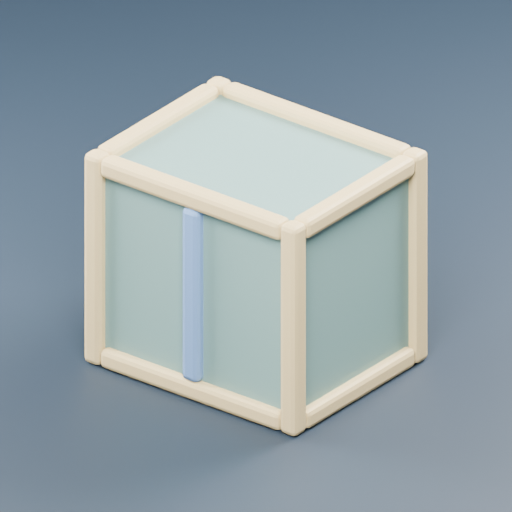
Storage crate
1,620 triangles · 117,024 bytes
Asset Studio / developer example
A small browser example turns separately produced local props into a scene you can walk through, rearrange and save. Try it before installing Asset Studio.
Published example · October 8, 2026 · JEONG WOOCHEOL
A robot brings three glowing cells to the workbench. Each delivery lights a prop. Afterward, choose a prop, move it to a new position and save the scene layout.
The Windows local workflow produced a storage crate, workbench and shelf with separate GLB, editable Blender source and thumbnail files. Each source was reopened independently.
The example checks the bytes and SHA-256 of each GLB before displaying it. The models keep their metre scale and Y-up orientation; collision bounds use their footprints.
Arrange the props on the floor, rotate them and save a new JSON file. Reopening that file restores the layout. The original GLB and Blender files stay unchanged.
These three actual GLBs total 242,460 bytes and 3,348 triangles. They use simple PBR materials and have no image textures. These counts describe the props, not the entire scene or a measured frame rate.
1,620 triangles · 117,024 bytes
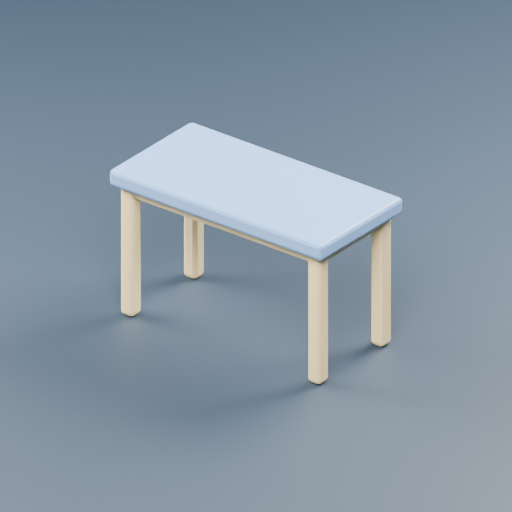
972 triangles · 68,912 bytes
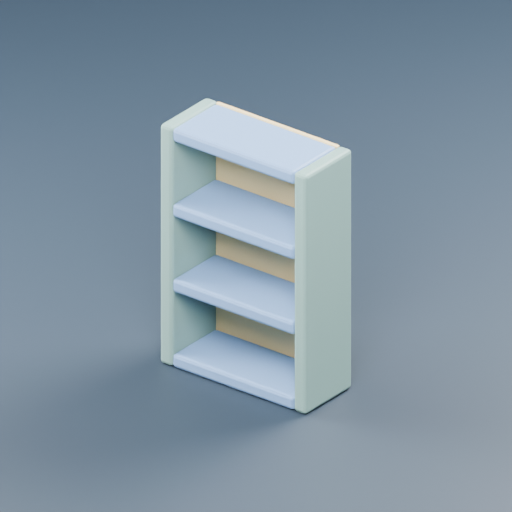
756 triangles · 56,524 bytes
This is a developer-built web example using existing local procedural outputs. It introduces a real way to try the assets and inspect their files.
Keyboard and on-screen movement, pickup and delivery, solid prop collision, layout changes, scene JSON save/reopen and PNG capture. The example loads files from this website and stores layouts in your browser.
The separate Claude Code planning source prototype turns creator-approved briefs into asset instructions and review checks. Live Claude execution remains pending. This workshop did not call Claude or an image-generation provider.
Inspect the Claude prototypeBrowser gameplay does not establish new Windows or macOS desktop support. This example does not demonstrate image-to-3D, texture baking, rigging, animation production or game-engine import beyond this Three.js scene.
Published desktop releasesThis is an initial developer example. We have no external user feedback or verified Claude usage to report yet. Try the workshop and share the task, platform and result when reporting an issue.
Open an issue